Product
Everything you need to run a fleet of screens
SignMDM is mobile device management with the signage and kiosk parts done properly — telemetry, lockdown, remote support and hardware that others can't reach.
Fleet dashboard & live telemetry
CPU, RAM, storage, temperature, battery, network and signage app version for every device, with last-seen timestamps.
Health monitoring & critical issues
Screens flag themselves when storage passes 90%, temperature passes 60 °C, CPU sits high or the signage app isn't running.
Kiosk lockdown
Single-app LockTask, hidden status and navigation bars, safe-mode and factory-reset disabled, orientation lock, PIN or remote exit.
Remote support
Reboot, restart the signage app, grab a screenshot, and take live remote view and control of the screen.
No-root reboot for commercial panels
Where a panel can't be rooted, SignMDM reboots it through the manufacturer's own platform API — MediaTek/MOKA (TCL) and ViewSonic.
App & APK management
Silent install, version enforcement and staged OTA rollout: canary device, then a group, then the whole fleet.
Device profiles
Define a configuration once — lockdown, apps, orientation — then apply it to a whole group of screens at once.
Organisations & sites
Multi-site structure with search and filtering, so a 900-screen estate is still navigable in a couple of clicks.
IntegrationsOn the roadmap
Helpdesk tickets, outbound webhooks and a REST API.
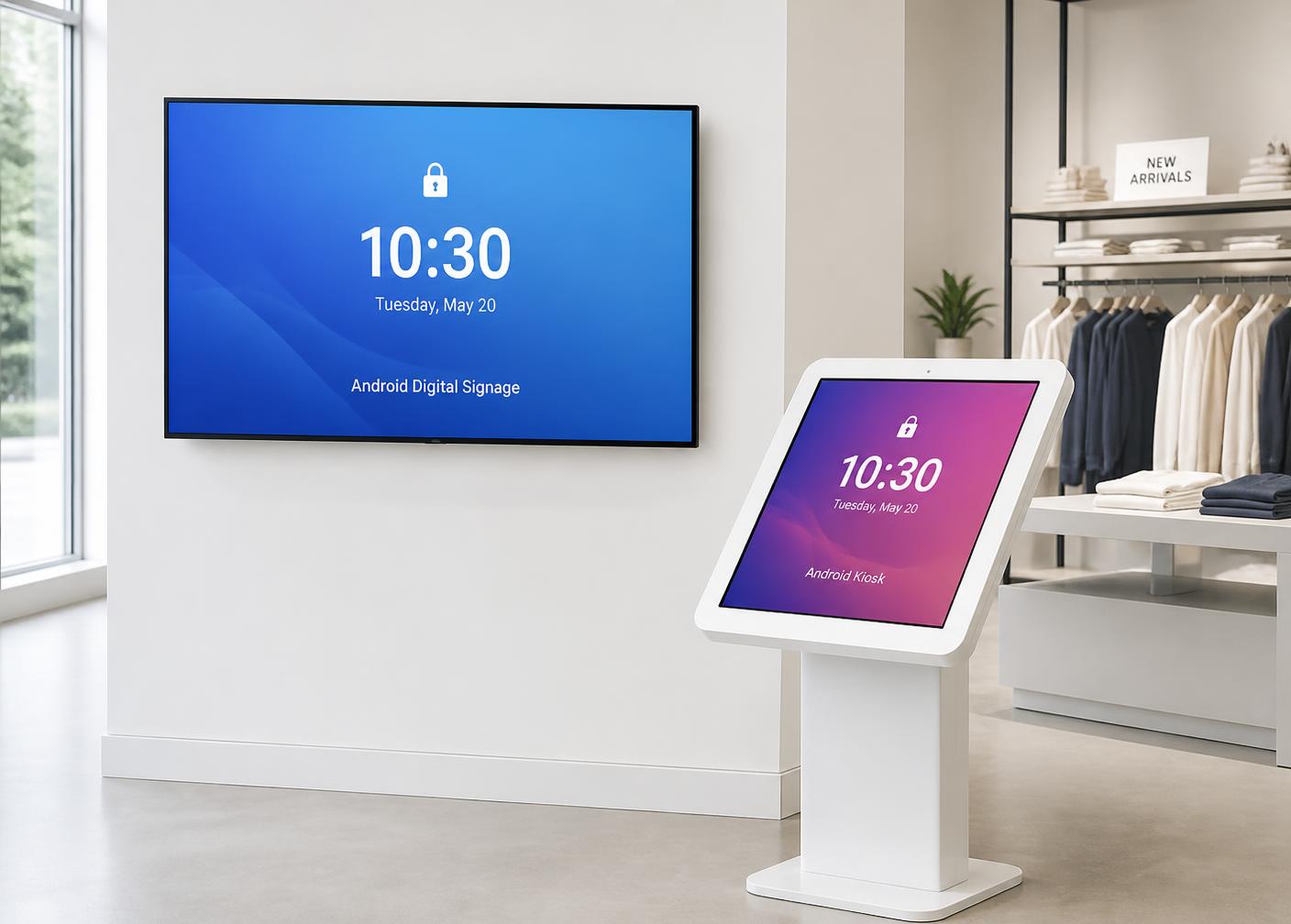
Kiosk lockdown
Screens stay on your content
Lock a device to a single app with Android LockTask, hide the status and navigation bars, disable safe mode and factory reset, and pin the orientation. The only way out is a PIN or a remote command from the dashboard.
Remote view & control
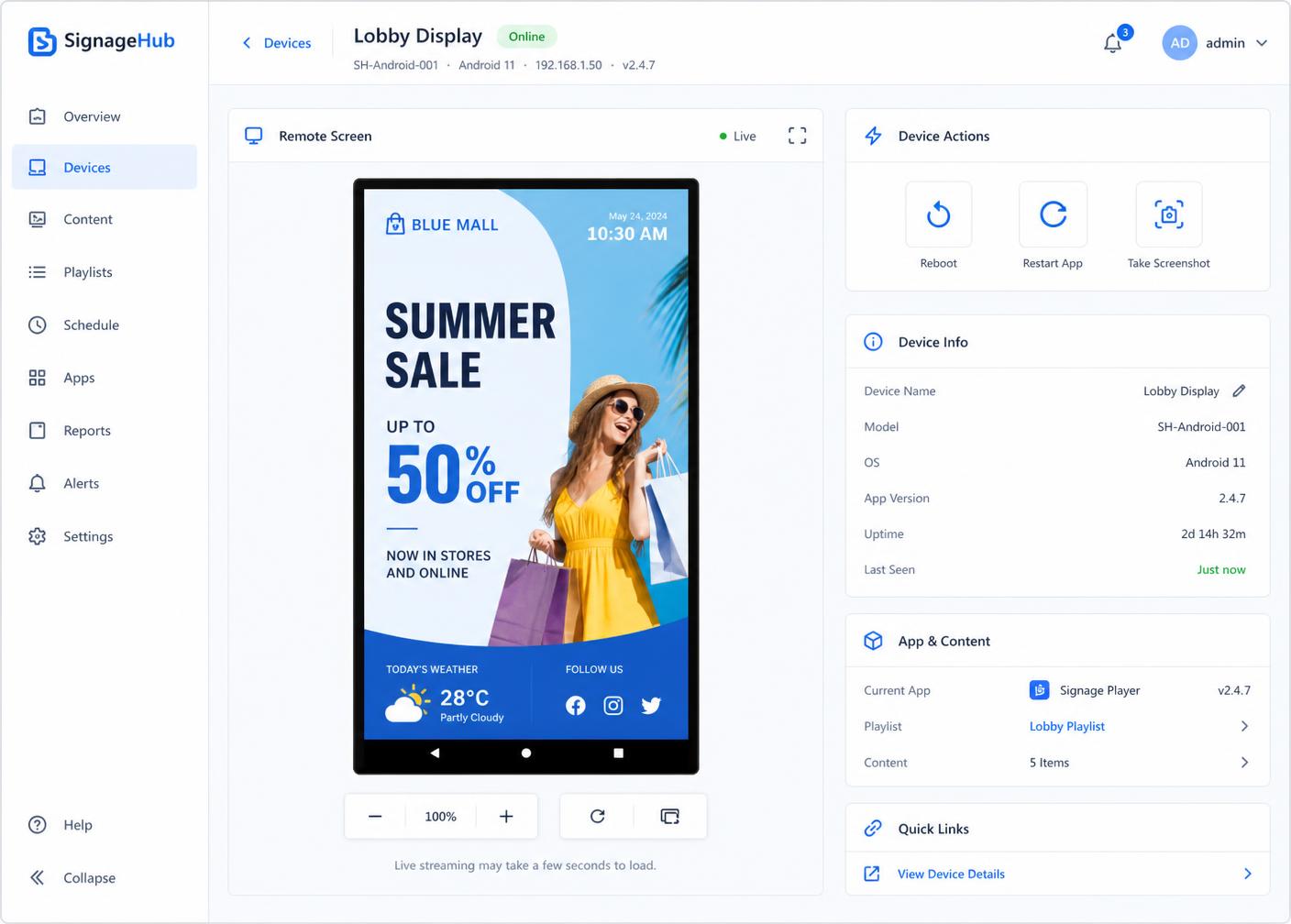
Fix it from your desk
Open a live view of any screen and take control. Reboot it, restart the signage app, grab a screenshot for a client, or drive the UI yourself. The truck roll to reboot one frozen panel goes away.
Live telemetry
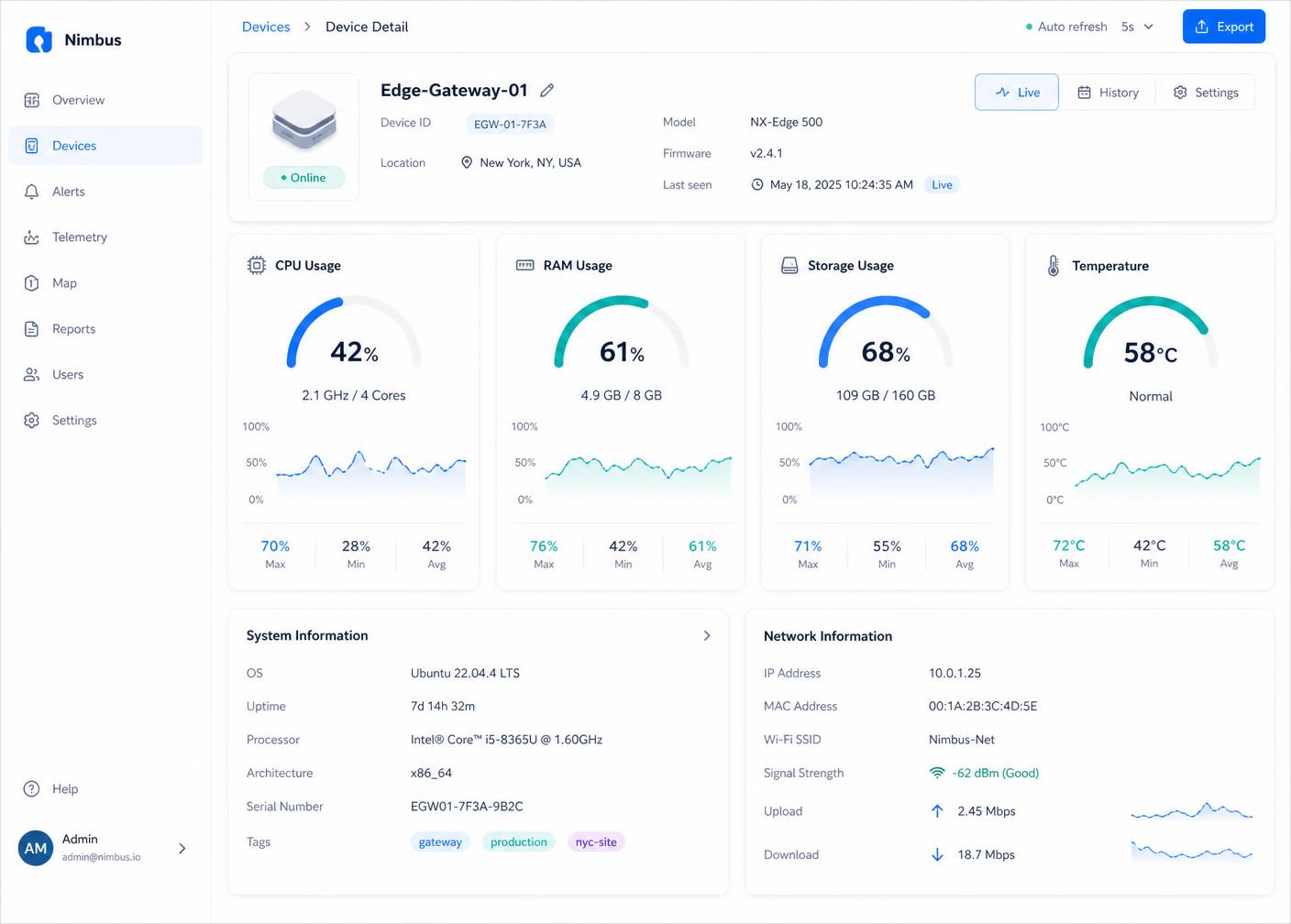
Know before the customer rings
Every device reports CPU, RAM, storage, temperature, network and signage app status continuously. Problem screens surface at the top so you deal with a full disk on Tuesday instead of a black screen on Saturday.
Hardware & compatibility
Android versions
Android 7 through Android 14.
Rooted media players
Rockchip and MediaTek based players — full command set.
Commercial panels
MediaTek/MOKA (TCL) and ViewSonic, including no-root reboot.
On the roadmapOn the roadmap
Not shipped yet — we'd rather tell you now than at renewal.
- Helpdesk / ticketing connector (Odoo)
- Role-based access and multi-user accounts
- Full alerting engine with email and webhook rules
- Per-device MQTT authentication hardening
Ready to see your whole fleet?
A 30-minute walkthrough with a real fleet on screen. Bring your awkward hardware — we like those.